

Description
Download Canada VPN APK – Free VPN, OpenVPN Plugin, Secure Connection, Android App
Overview
Canada VPN is a free plugin application designed for Android devices that enhances the functionality of the OpenVPN client. It is not a standalone VPN solution but rather a supplementary tool that works exclusively with the official "OpenVPN For Android" application. Developed by LWFD, the app serves as a bridge to facilitate access to specific OpenVPN server configurations, particularly those associated with Canada-based servers. Its primary purpose is to simplify the process of importing and managing server profiles by automatically retrieving and displaying updated server IP addresses.
Target users include Android users seeking to connect to Canadian-based OpenVPN servers without manually configuring profiles. This may appeal to individuals interested in bypassing regional content restrictions, improving online privacy, or accessing geo-blocked services. The app is especially useful for users already familiar with OpenVPN and comfortable managing third-party plugins. However, since it relies on an external client, it cannot function independently.
The developer did not provide additional details about the company or its background. The app is distributed via Google Play and the official LWFD website. Real-world usage scenarios include temporary access to Canadian content, testing server connectivity, or using a free proxy for basic privacy needs. Due to its reliance on external infrastructure, service quality may vary based on server load and network conditions.
Key Features & Capabilities
- OpenVPN Profile Importer: Automatically fetches and displays updated server IP addresses, enabling quick import into the OpenVPN For Android client.
- Server IP Refresh: Users can press the Refresh button to retrieve a new server IP, which is useful when the current server is busy or unreachable.
- Play Button Integration: Clicking the Play button saves the server IP and imports the profile into the OpenVPN client, streamlining the connection process.
- Free Access to Canadian Servers: Provides access to a limited number of free OpenVPN servers located in Canada, ideal for temporary or low-demand use cases.
- Minimal Resource Usage: Designed as a lightweight plugin, it consumes minimal system resources while running in the background.
These features are particularly helpful for users who want to avoid manual configuration of OpenVPN profiles. For example, a user trying to access Canadian streaming content can refresh the server list, import the profile, and connect with minimal effort. Similarly, someone testing network behavior or conducting basic privacy checks can use the app to quickly switch between available server IPs.
It is important to note that the app does not provide encryption or data tunneling on its own. All security and routing functions are handled by the OpenVPN For Android client. Therefore, the overall security of the connection depends on the configuration and integrity of the external client.
User Interface, Workflow & Performance
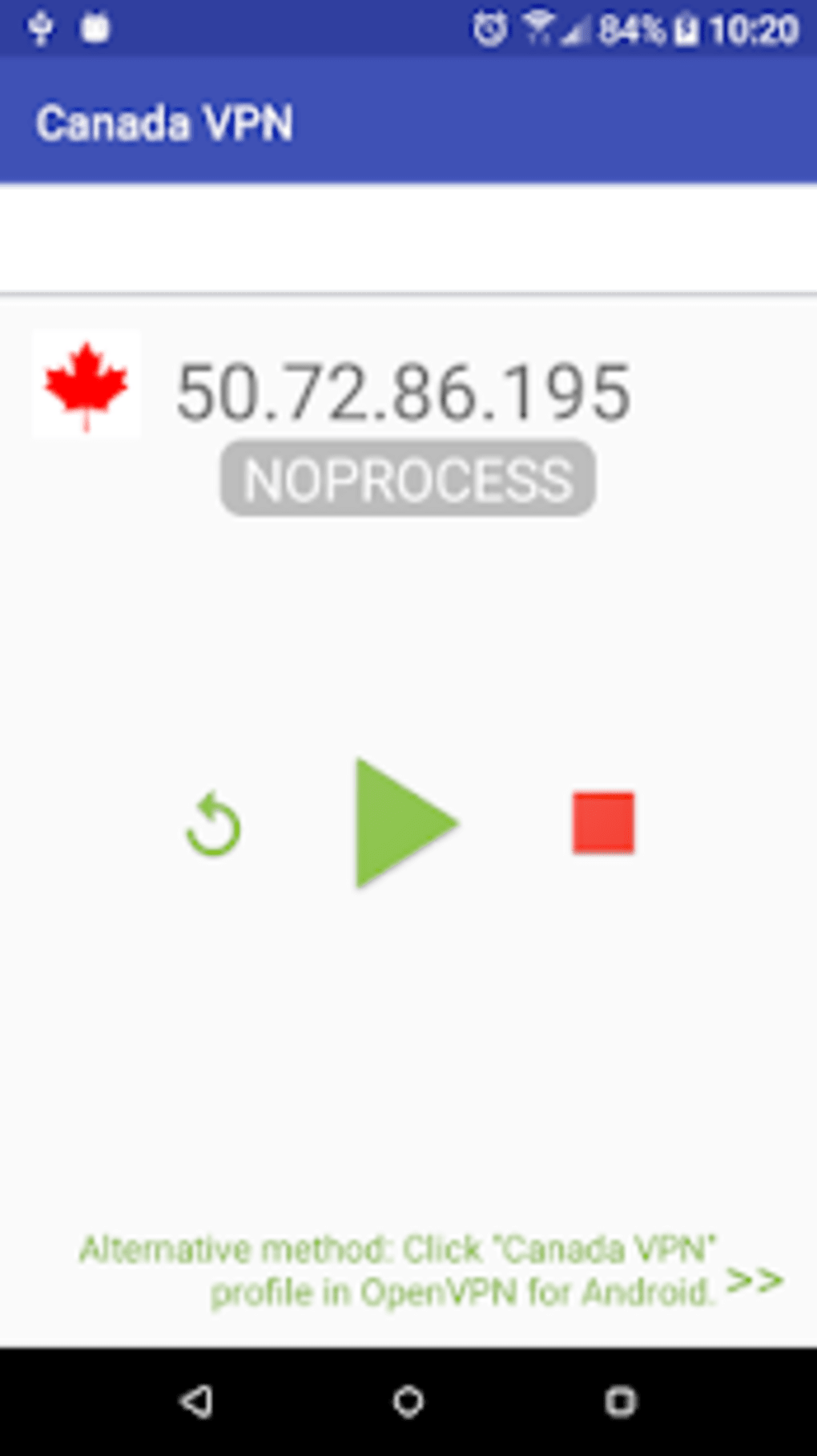
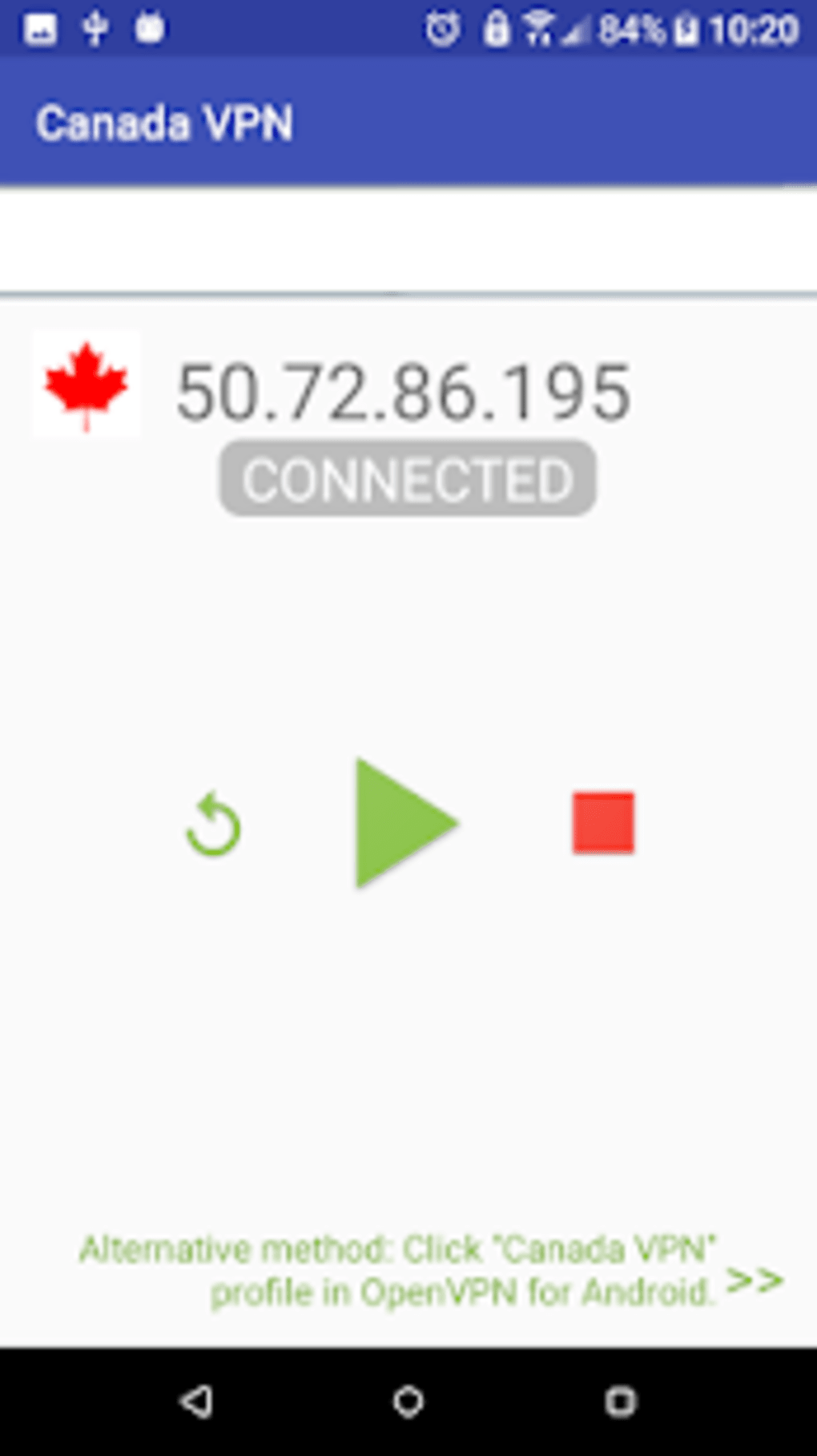
The user interface of Canada VPN is minimalistic and focused on core functionality. The layout includes a central display area for the server IP, a Refresh button, and a Play button for profile import. Navigation is straightforward, with no complex menus or settings. The workflow is designed to be intuitive: users open the app, refresh the server list, and initiate the connection process.
Based on general software behavior patterns, the app operates efficiently without significant delays in loading or refreshing server data. However, the developer did not specify resource usage details. Performance may vary depending on the device’s hardware, network stability, and the condition of the OpenVPN client. The app does not consume noticeable CPU or RAM when idle, but active connections depend on the external client’s performance.
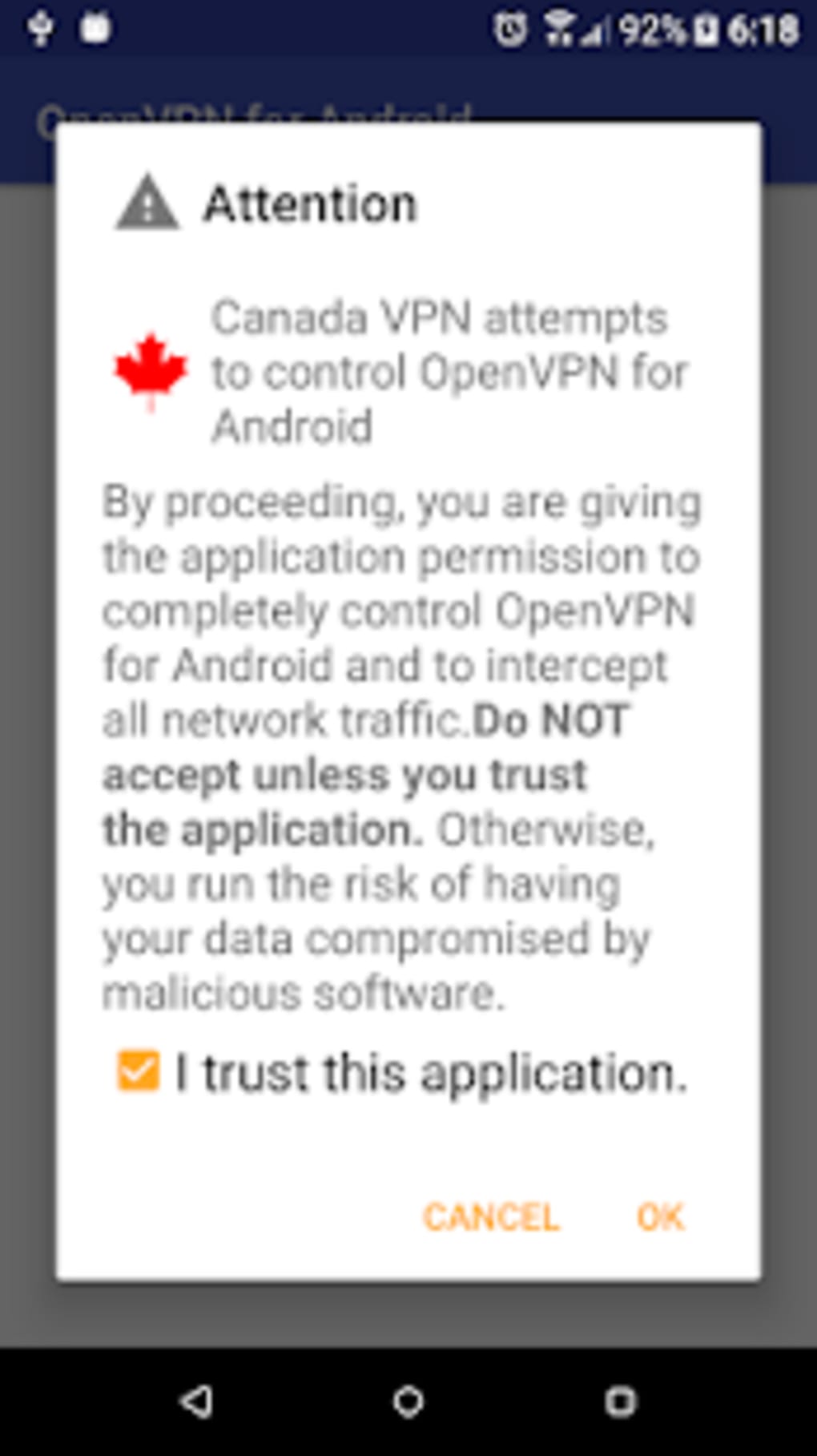
Stability is partially dependent on external factors. Some users may encounter issues such as being unable to tick the "Trust this program" option due to software conflicts or encountering connection failures due to unstable server availability. In such cases, pressing the Reload button often resolves the issue by fetching a new server IP. The app does not include built-in diagnostics or logging, so troubleshooting relies on user intervention and external client feedback.
Compatibility & System Requirements
Canada VPN is designed for Android devices and requires the official "OpenVPN For Android" application to function. The developer did not specify exact system requirements, including minimum Android version or hardware specifications. Compatibility information is limited to the platform, which is Android.
Installation size is not provided, but as a lightweight plugin, it likely occupies minimal storage space. The app is available for free on Google Play and can also be downloaded from the official LWFD website. Users should ensure that their device meets the requirements of the OpenVPN For Android client, which may include a minimum Android version and enabled developer options for profile installation.
Exact system requirements were not listed. The app’s functionality is contingent on the OpenVPN client’s compatibility with the device. Therefore, users must verify that their Android device supports the official OpenVPN application before using this plugin.
Pros and Cons
Pros
- Free to download and use with no in-app purchases.
- Simple, lightweight interface with minimal setup steps.
- Automatically refreshes server IPs to improve connection chances.
- Works seamlessly with the official OpenVPN For Android client.
- Enables quick access to Canadian-based OpenVPN servers.
Cons
- Requires a separate OpenVPN client to function—cannot work independently.
- No guaranteed service quality; connection reliability depends on server load.
- May encounter issues with "Trust this program" due to software conflicts.
- Limited to free servers, which may be unstable or congested.
- Lacks advanced features like kill switch, DNS leak protection, or multi-hop routing.
FAQ Section
Is Canada VPN compatible with all Android devices?
Canada VPN is designed for Android devices but requires the official "OpenVPN For Android" client to function. Compatibility depends on the device’s support for the OpenVPN client, which may vary by model and Android version. The developer did not specify minimum system requirements.
Is Canada VPN safe to use?
As a plugin app, Canada VPN itself does not handle data encryption or routing. Security is managed by the OpenVPN For Android client. However, since it connects to free servers, data privacy may be compromised. Users should avoid transmitting sensitive information over free or unverified connections.
How often are server IPs updated?
The app allows users to manually refresh the server IP list by pressing the Refresh button. The frequency of updates depends on the availability of free server slots and is not automated. If the current server is busy, users can reload to get a new IP.
Can I use Canada VPN without the official OpenVPN client?
No. Canada VPN is not a standalone application. It is designed to work exclusively with the official "OpenVPN For Android" client. Installing both apps is mandatory for the plugin to function.
Does Canada VPN support offline usage?
The app requires an active internet connection to refresh server IPs and establish a connection. While the imported profile can be used offline after setup, the app itself cannot function without internet access for initial configuration and updates.
Final Thoughts + CTA
Canada VPN is a niche tool that serves a specific purpose: simplifying access to Canadian OpenVPN servers through a lightweight plugin. While it lacks the robustness and security features of full-featured VPN clients, its simplicity and free access make it a viable option for users with basic needs. It is best suited for casual users who want to test connectivity, access geo-restricted content temporarily, or experiment with OpenVPN configurations.
However, users should be aware of its limitations. The lack of guaranteed service quality, dependence on external infrastructure, and potential for connection issues due to server congestion are notable drawbacks. For more reliable and secure browsing, a comprehensive VPN solution with strong encryption and privacy guarantees is recommended.
Despite its constraints, Canada VPN offers a practical entry point for those exploring OpenVPN on Android. If you’re looking for a free, no-frills way to connect to Canadian servers, this plugin may meet your needs.
Download Canada VPN APK now and start exploring Canadian server access today.
Guides & Tutorials for Canada VPN APK
How to install Canada VPN APK
- Click the Preview / Download button above.
- Once redirected, accept the terms and click Install.
- Wait for the Canada VPN APK download to finish on your device.
How to use Canada VPN APK
This software is primarily used for its core features described above. Open the app after installation to explore its capabilities.
User Reviews for Canada VPN APK 0
No reviews found





